LanguagesSearchMy PicksImport your menuTranslate your dishesEnhance your photosEdit in secondsDigmenuLanguagesSearchMy PicksImport your menuTranslate your dishesEnhance your photosEdit in secondsDigmenu
For your guests
A better way to explore your menu.
Beautiful photos, clear information and helpful features for a great dining experience.
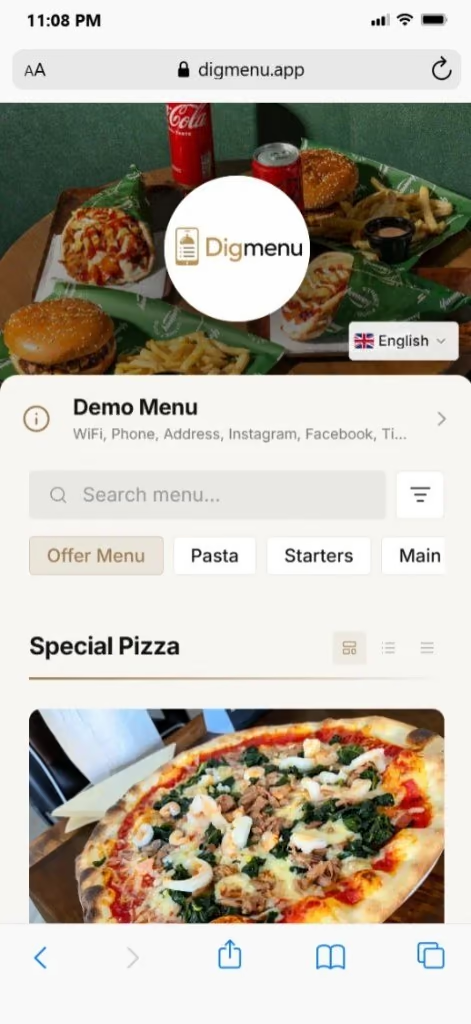
LanguagesLet guests browse your menu in their language.
SearchGuests can quickly find their favorite dishes.
Flexible layoutsShow your menu in a clean, visual format that fits your style.
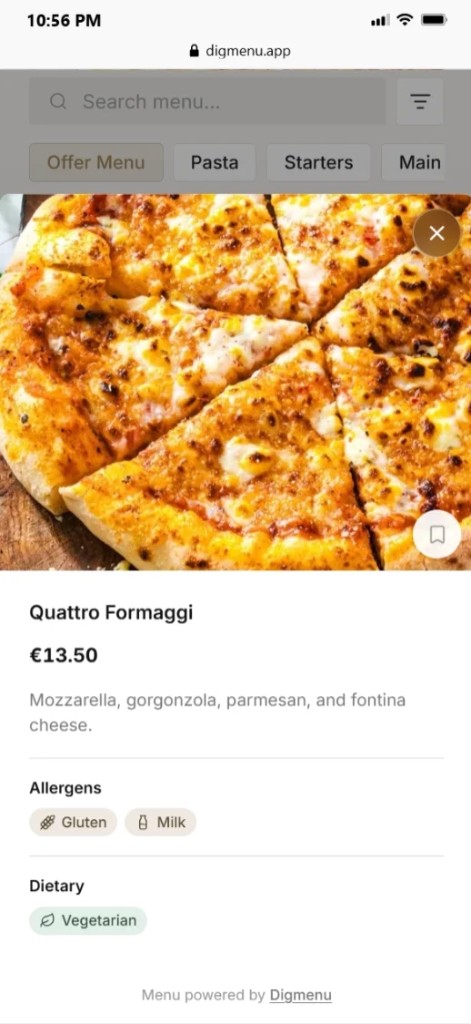
My PicksGuests can save their favorite dishes as they browse.
AI tools
Less setup. More time for your guests.
Powerful tools to help you get started and keep your menu looking its best.
Import your menu
Turn your existing menus or descriptions into a digital menu in minutes.
Menu.pdf
Margherita Pizza
Truffle Pasta
Caesar Salad
Translate your dishes
Reach more guests with AI-powered translations.
English
Grilled salmon with lemon and herbs
Deutsch
Gegrillter Lachs mit Zitrone und Kräutern
Enhance your photos
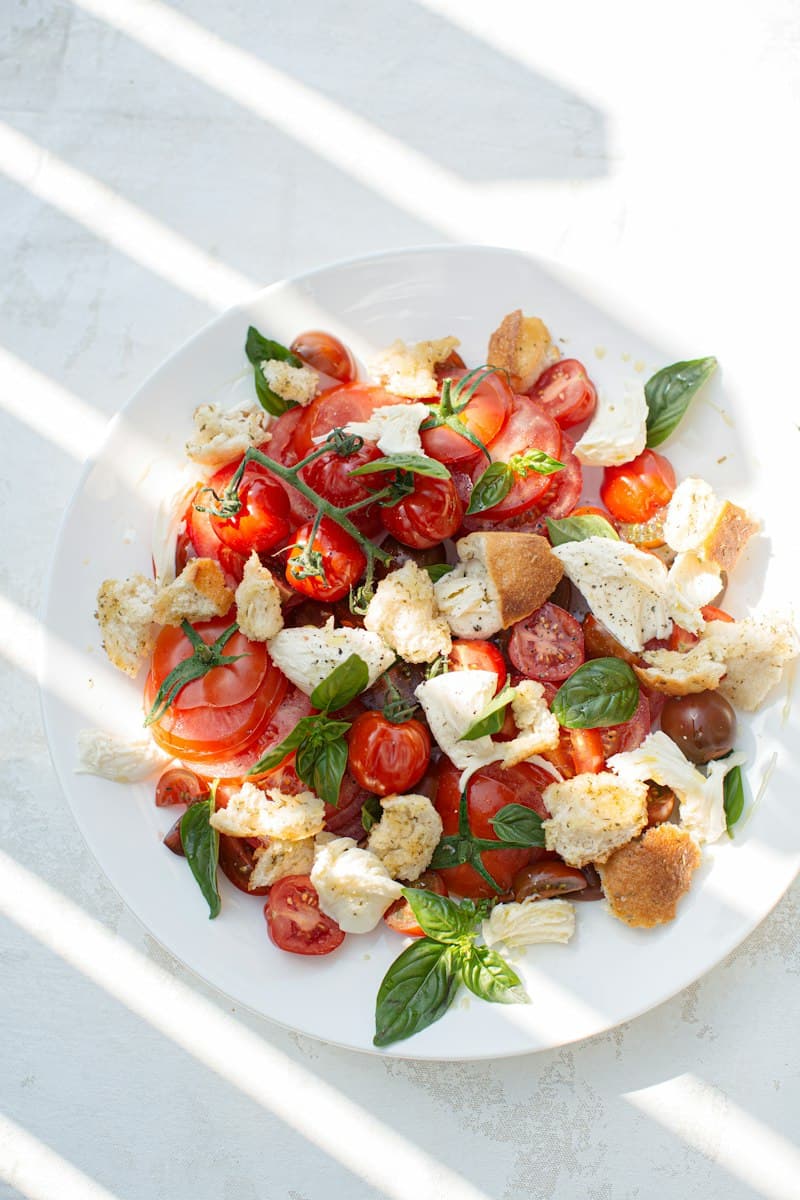
Make your dish photos look their best with AI enhancement.
BeforeAfter
Make it yours
Your restaurant. Your style.
Make your menu feel like your business.
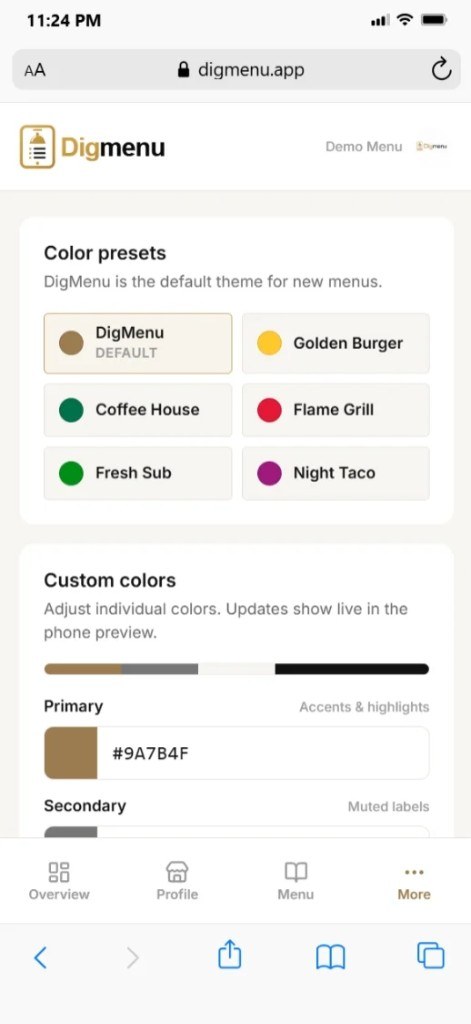
Color presets
Digmenu is the default theme for new menus.
DigmenuDefault
Golden Burger
Coffee House
Flame Grill
Fresh Sub
Night Taco
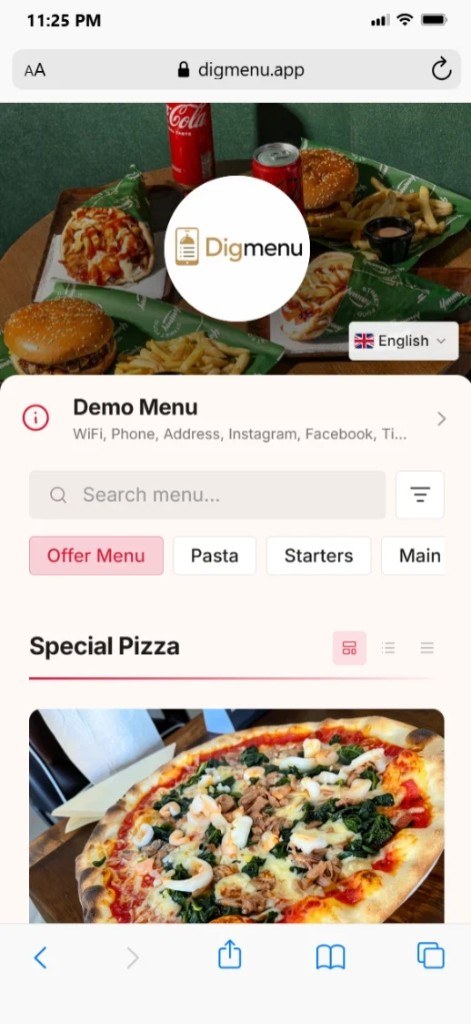
Same menu.Your style.
For restaurant owners
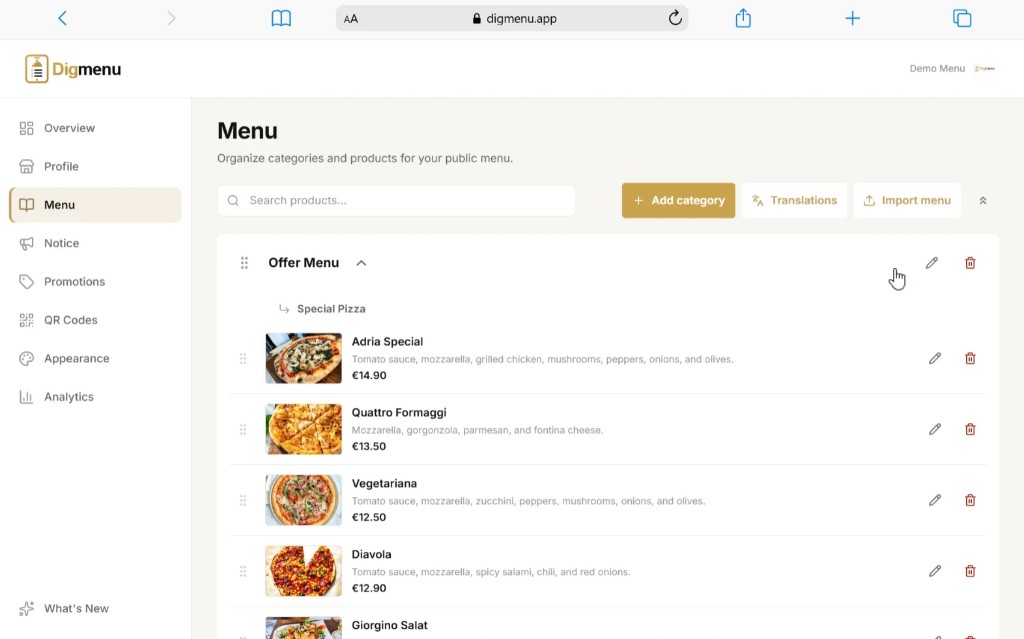
Every change. One simple dashboard.
Update your menu, manage availability and keep your content fresh, all in one place.
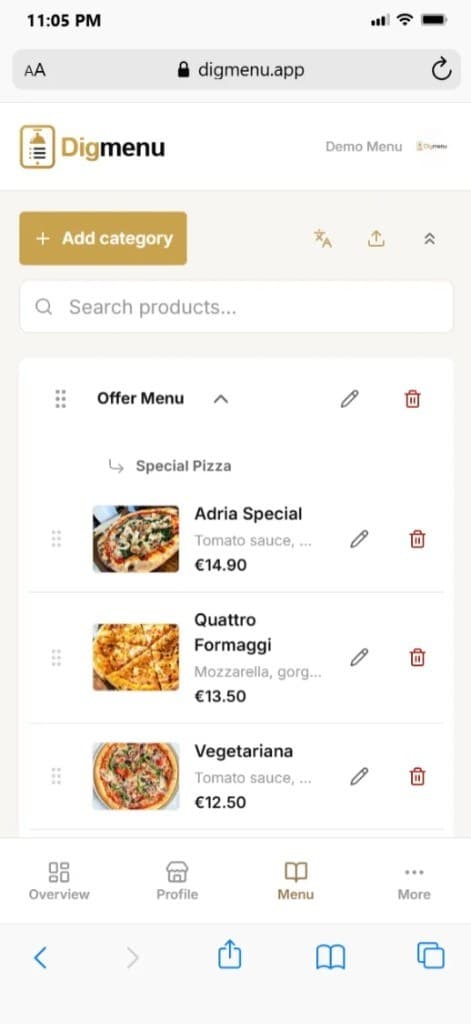
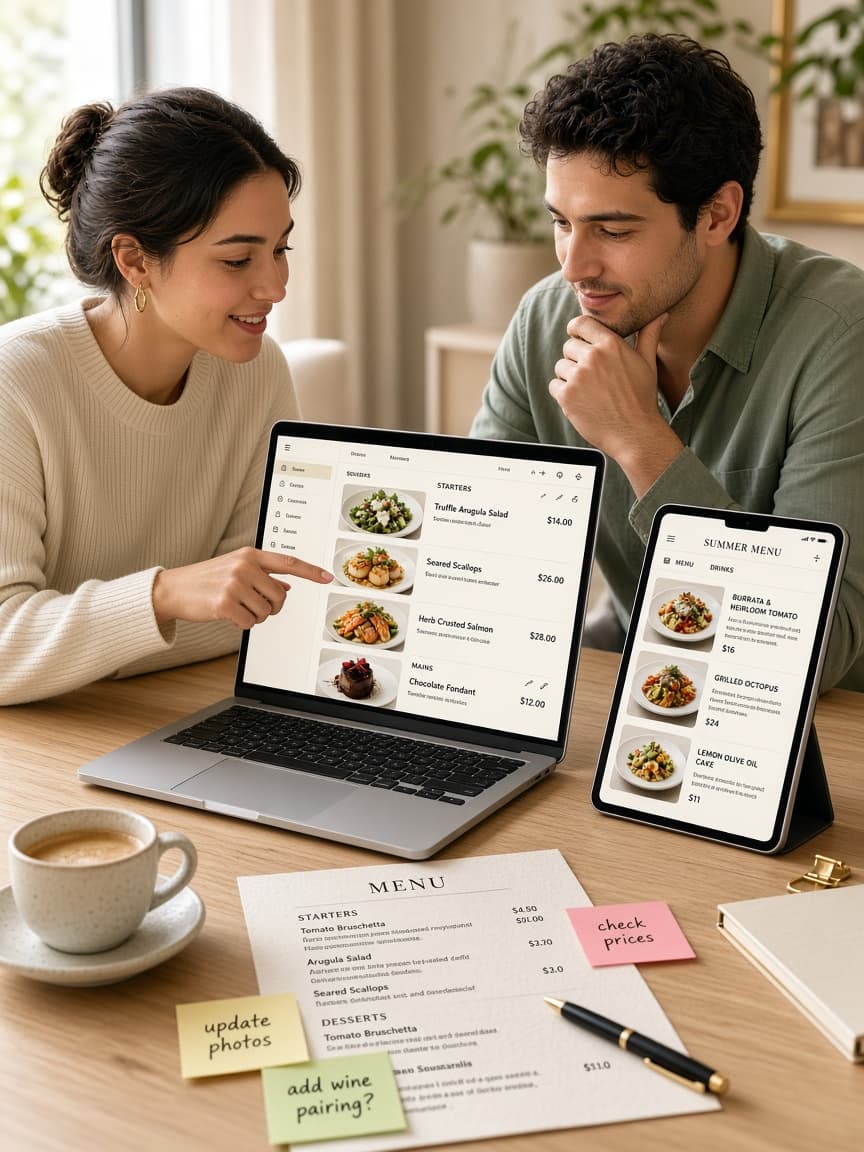
Edit in secondsUpdate dishes, prices or descriptions whenever you need to.
Organize your dishesSort categories, reorder items and manage availability.
Share offers and noticesHighlight special dishes, seasonal menus or important information.
Menu help
We'll prepare your menu for you.
Busy running the restaurant? Send Digmenu your current menu: PDF, photos, or notes. Our team builds it, and it's ready during the day.
1
Send your menu
Email PDF, photos, or a spreadsheet of dishes and prices.
2
We set it up
Digmenu staff builds categories, products, and details for you.
3
Ready the same day
Review, publish, and share your QR when it looks right.
Find answers to the most common questions about creating and managing a menu with Digmenu.
Digmenu is menu management software that helps restaurants, cafés, bars, hotels, and hospitality businesses create and share a professional QR code digital menu. With AI tools to import menus and enhance food photos.
No. Guests scan your QR code and the online restaurant menu opens directly in their mobile browser.
Yes. Upload a PDF or photo (JPG, PNG, or WebP). Digmenu extracts categories, products, descriptions, and prices into a reviewable draft. You check the results before anything is published to your digital menu. AI Menu Import is a Pro feature (included in the 14-day trial).
It improves the presentation and clarity of your existing food photos while keeping the real dish recognizable. You preview the result and can keep Original or use Enhanced. AI Image Enhancement is a Pro feature (included in the 14-day trial).
My Picks lets guests bookmark dishes while browsing your menu and return to them later. It is a personal list on their device. Not an order, cart, or payment flow.
Yes. You can update products, prices, descriptions, images, and availability from your dashboard. Saved changes appear on your public menu without reprinting paper menus.
New accounts start a 14-day Pro trial with full Pro features: unlimited items, analytics, AI tools, promotions, and notices. No card required. After the trial, a Pro or Enterprise subscription is required to continue. If the trial expires without a subscription, dashboard access is restricted and public menus are unpublished; saved content is retained. There is no ongoing Free plan. Custom domains are an Enterprise feature, not part of Pro or the trial, and Enterprise is priced per customer.
New accounts start a 14-day Pro trial with no card. Subscribe to Pro anytime to keep full access after the trial: €10 per month or €99 per year, plus tax where applicable. If the trial ends without a subscription, dashboard access is restricted and public menus are unpublished. There is no ongoing Free plan. Enterprise is priced per customer. Contact us for a quote.
Payments are handled securely by Paddle, the Merchant of Record. Paddle processes the payment, the invoice, and applicable taxes. Digmenu does not store full payment-card details.
If you subscribe while your 14-day Pro trial is still running, you are not charged until the trial ends. If you cancel before that date, you are not charged. Starting the trial alone never authorizes a charge.
Cancel from the Billing page in your dashboard, or from Paddle's customer portal. Access continues until the end of the current paid period.
You may request a full refund within 14 days of the initial purchase or any subsequent subscription payment, including renewals, without additional conditions or exceptions. Contact us or use the Paddle support options on your receipt. Paddle processes refunds.
A custom domain is an Enterprise feature. The Pro plan and the 14-day trial publish your menu on a Digmenu link. Contact us for an Enterprise quote if you need your own domain.
Menu management runs from the owner account, which is what Pro and the 14-day trial include. If more people need to work on your menu, contact us and we will quote Enterprise for what your business needs.
No. Digmenu is designed to be simple to use, even if you have no website-building or coding experience.