How to Create a Digital Menu for Your Restaurant
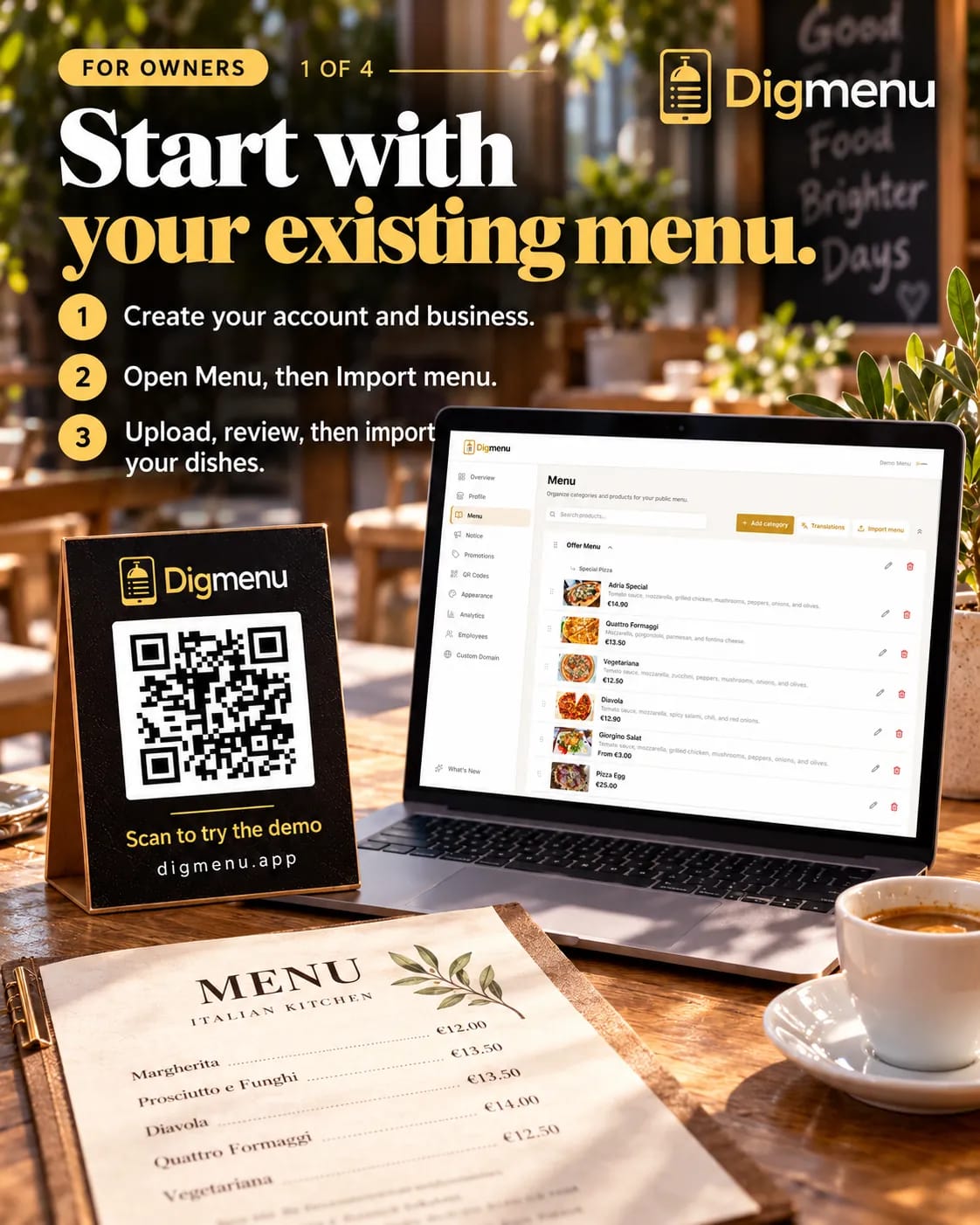
From blank page to scannable QR menu: structure your dishes, add photos and publish a menu guests can use tonight.
A digital menu is a mobile-friendly page guests open by scanning a QR code or tapping a link. You do not need a separate app store listing. You do need clear categories, accurate prices and a URL you control. This tutorial assumes you are moving from paper or PDF and want something you can update between lunch and dinner. Browse menu features on the site, or read QR menu vs PDF before you pick a format.
Set the menu structure first
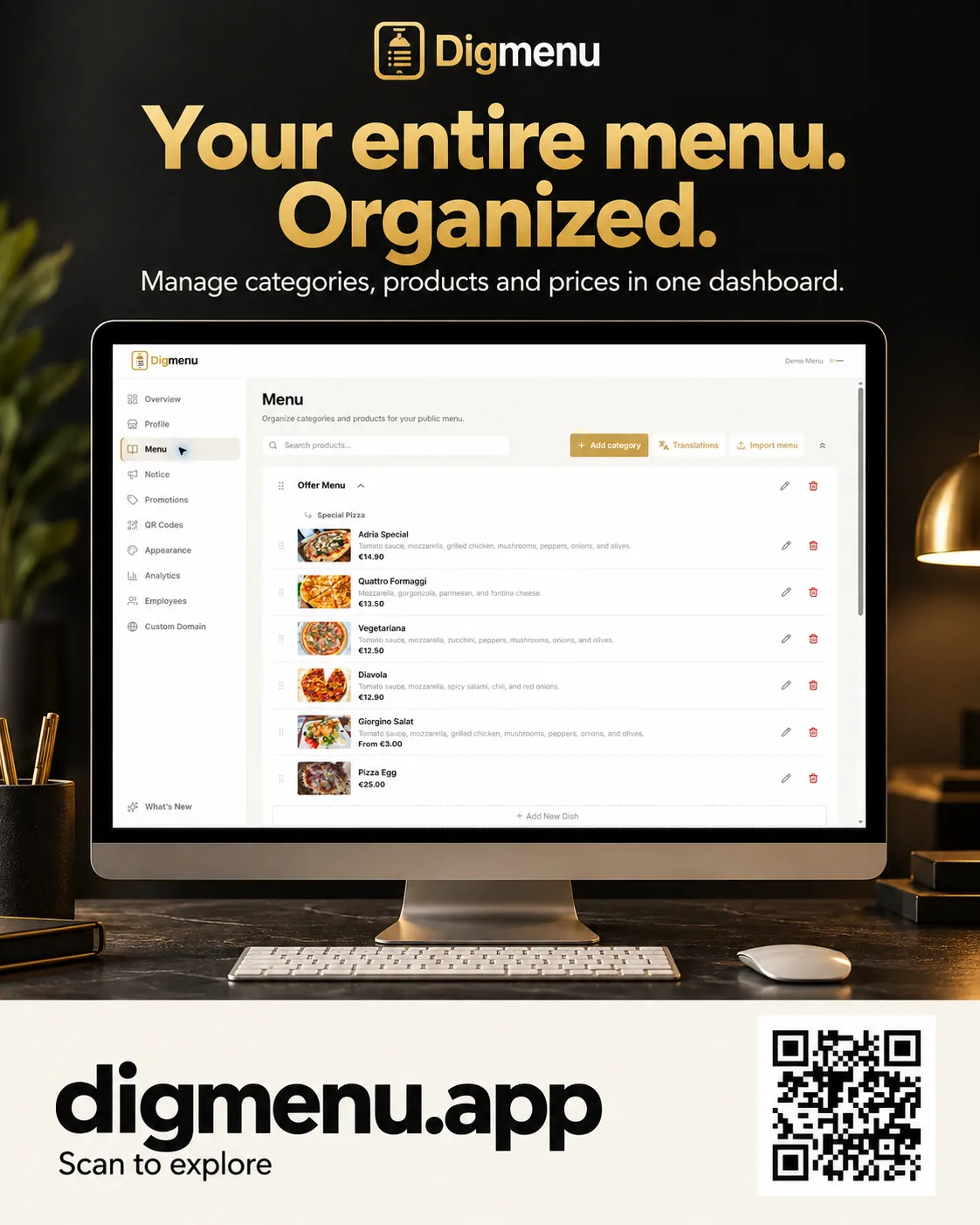
Mirror how guests think, not how the kitchen prints tickets. Starters, mains, sides, desserts and drinks are a familiar spine. If you serve all day, group by daypart or by kitchen station. Keep category names short so they fit phone tabs.
- Draft categories on paper and mark which items are seasonal.
- Decide default sort order (popular items near the top).
- Note which dishes use price options or size choices.
Enter items with consistent fields
Each dish should have a title, description, price, allergens and optional photo. Descriptions are easier to follow when they mention texture and cooking method, not only ingredients. Keep prices in one currency format across the menu. If an item is sold out, use a sold-out flag instead of deleting the row so regulars still see their favorite.
Photography without a studio
Natural light near a window beats overhead kitchen fluorescents. Shoot from the guest's angle, crop tight and avoid busy backgrounds. You do not need every dish on day one. Start with bestsellers and fill in over two weeks. Digmenu can enhance phone photos lightly so they look consistent on the demo menu.
Brand the guest view
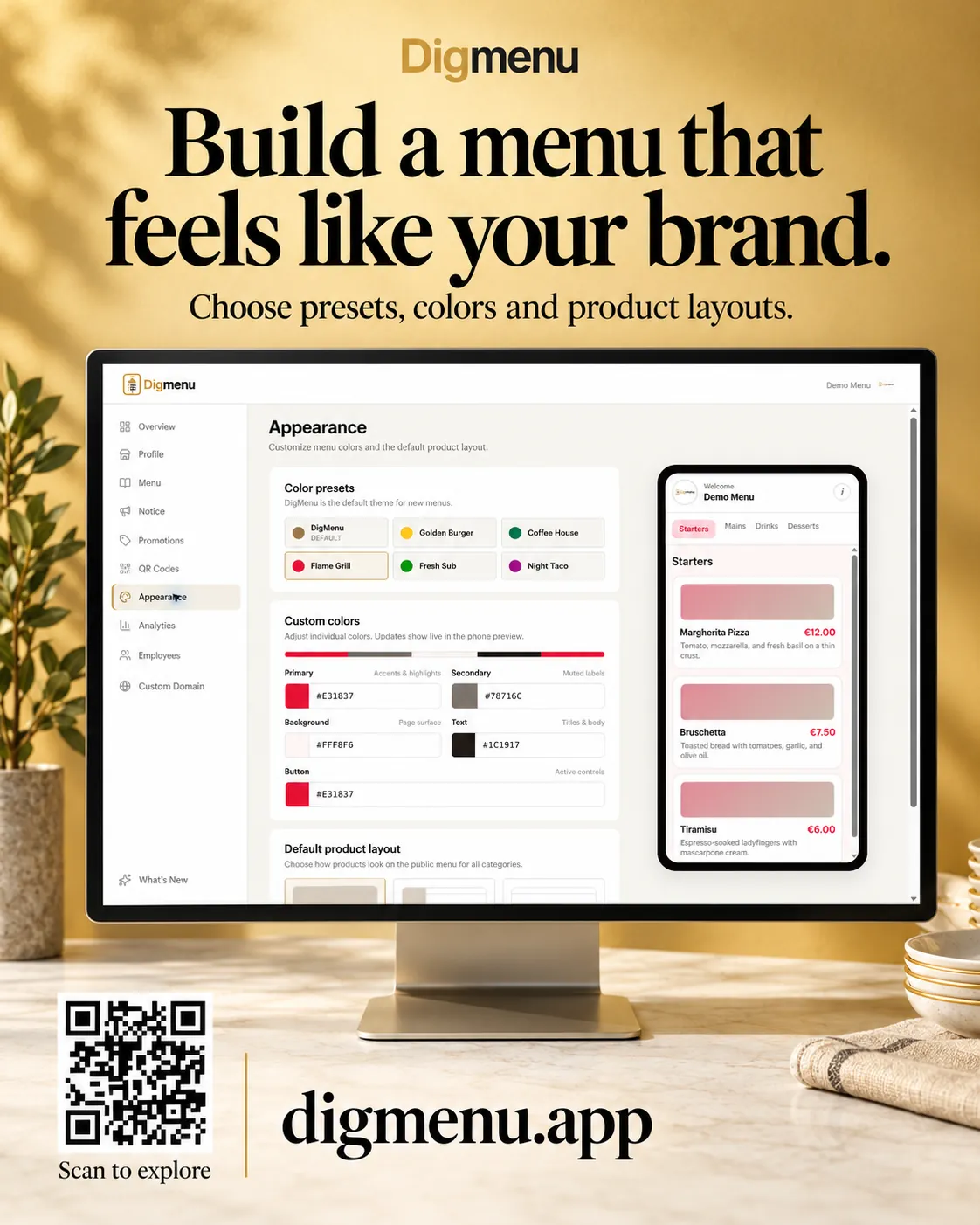
Upload your logo, set accent colors that match your dining room and add cover text that welcomes guests. Link to reservations or social profiles if you use them. The goal is to feel intentional, not like a generic template.
Generate and place QR codes
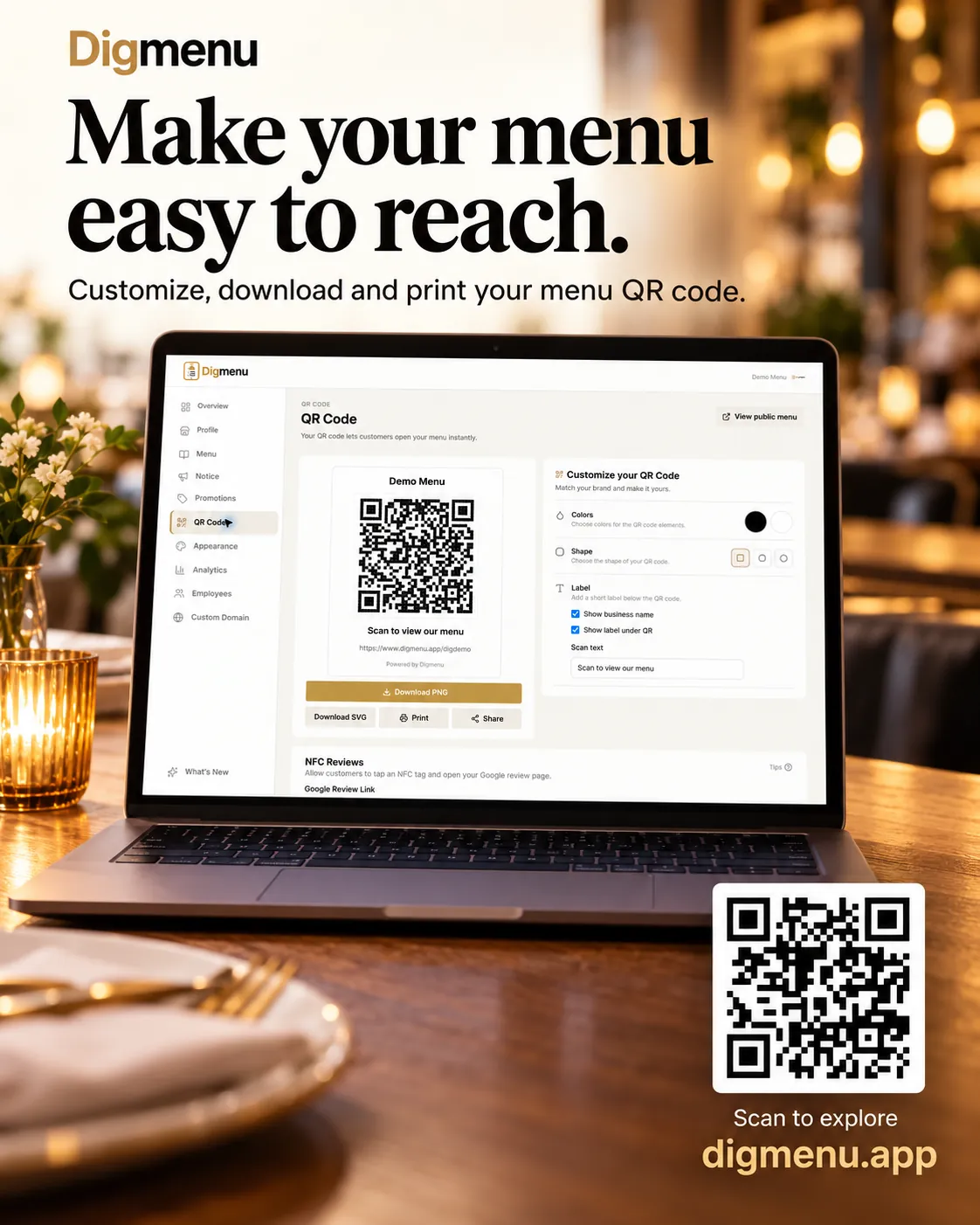
Export QR codes from your menu dashboard and test with multiple phones. Place tents at eye level, laminate for spills and keep a few backup stickers for patio tables. The QR should point to your canonical menu URL, not a file download.
Test before you print hundreds
Scan from both iOS and Android, on Wi-Fi and on mobile data. Open every category and check price options where you use them. Fix typos now; they are cheaper than reprinting.
Train staff in five minutes
Show servers where language switch lives and how sold-out items appear. Agree on a phrase for offering the QR: short, confident and optional for guests who prefer paper. Paper backups are fine; make sure staff know the digital menu is the source of truth for prices.
Publish and monitor
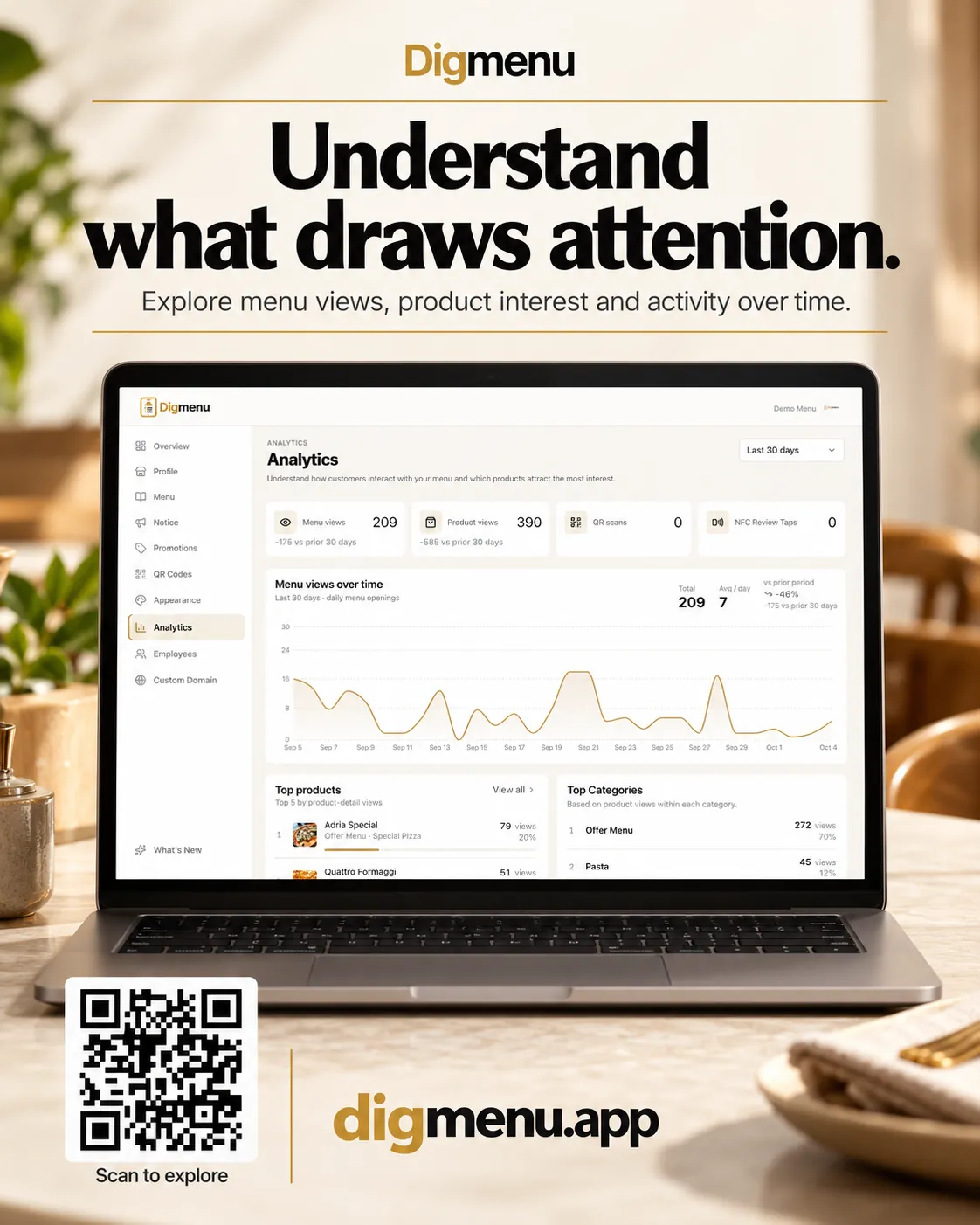
Publish during a quiet hour so you can fix surprises before the rush. If you use analytics, review which dishes guests open. Set a short weekly pass to align the menu with what you are serving.
Plan upgrades over time
- Add translations when you see repeat guest languages in reviews.
- Highlight lunch specials with promotions that support scheduled start and end times.
- Connect custom domain later if you want the menu on your own hostname.
Digmenu includes QR tools, menu translations and dashboard editing on active plans. Review pricing, then create your account and import your first category tonight. When you are ready for guest locales, follow our multilingual menu guide.
A menu guests can read on their phone is a menu they can use while your team stays focused on service.