
QR Menu vs PDF: Which Is Better for Restaurants?
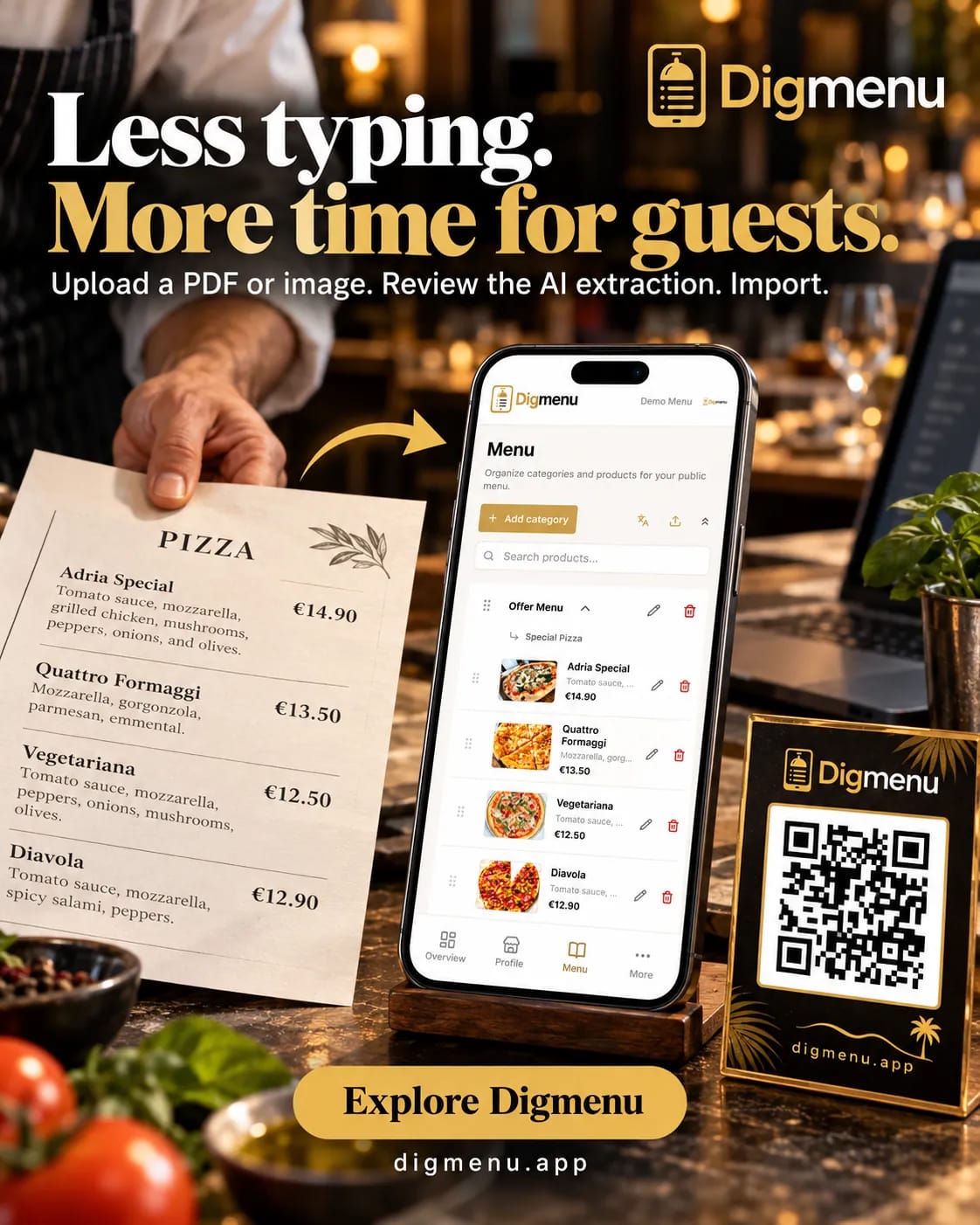
PDF menus are familiar. A QR menu opens in the browser, updates from one edit, and can offer more than one language. Here is how to choose.
Many venues still share a PDF on a QR code sticker. Guests tap, wait for a download, pinch to zoom, and hope the file matches what is in the kitchen today. A QR menu built for phones behaves more like a small website: categories, photos, prices and allergens in one scrollable view. If you are deciding what to put behind your table codes, this guide compares both options on updates, languages and day-to-day operations.
How guests experience each format
A PDF menu is a fixed document. It can look polished when designed well, but on a small screen it often feels like reading a flyer. Text can be tiny, pages break awkwardly and search is limited to whatever the PDF viewer offers. A dedicated digital menu opens in the browser, fits the viewport and keeps navigation consistent from cover to desserts.
File size matters at the table. PDFs can be large, especially with photos embedded at print resolution. A menu page can load the page structure first and images after that. You can open a live example on our demo menu and compare it with a PDF you already host.
Updating prices and daily specials
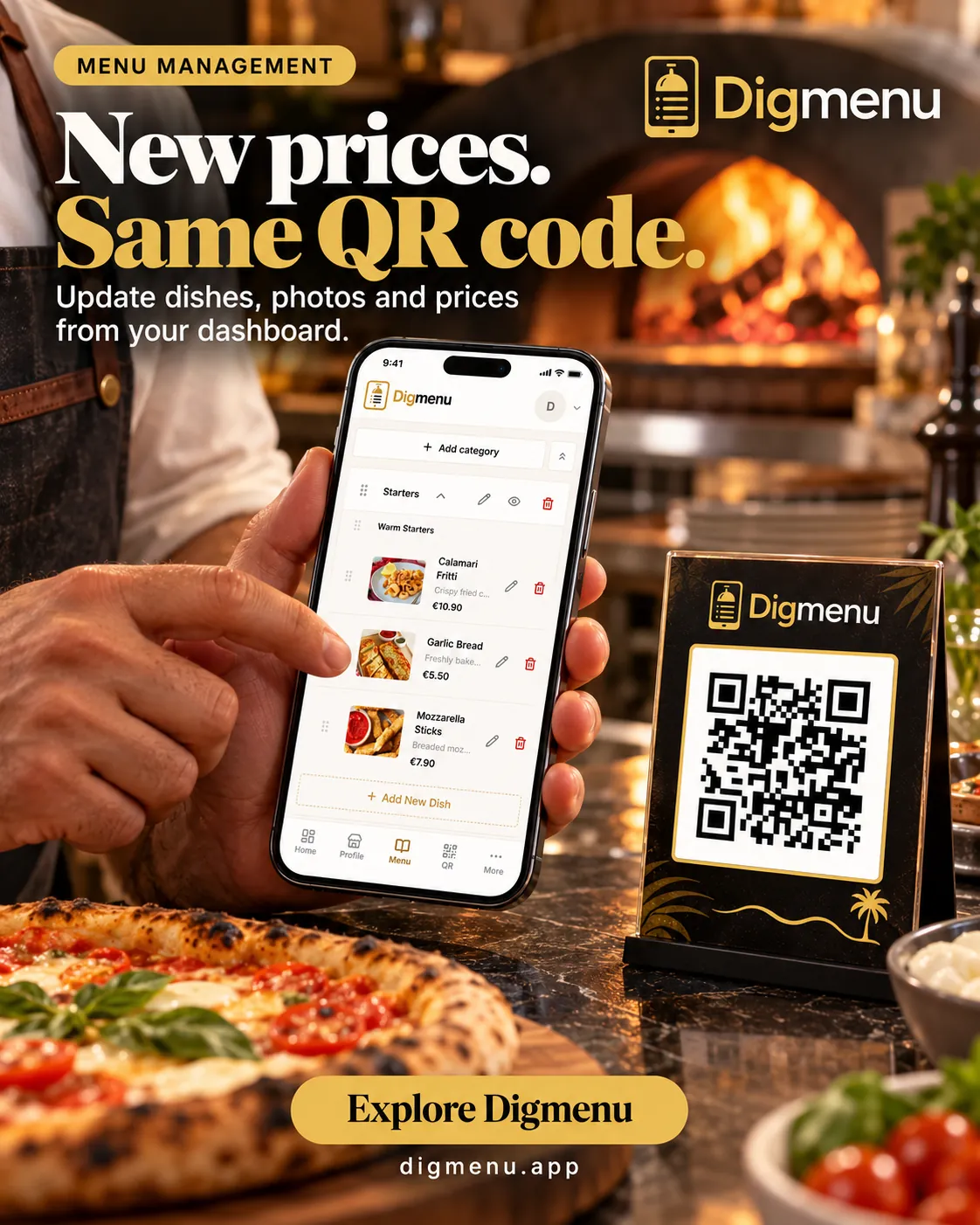
When you change a price in a PDF, you export a new file, upload it, and replace every link or QR destination. Miss one printed QR and guests can open an older file. With a digital menu you edit the dish once and publish. The next visit uses that published menu, without a new PDF.
- PDF: best when the menu rarely changes and you already have a print-ready layout.
- QR menu: better when you run lunch specials, seasonal items or dynamic pricing.
- Hybrid: keep a PDF archive for catering packs while the guest-facing QR stays live.
Languages and accessibility
Tourist-heavy locations often need more than one language. A single PDF per language multiplies design work and hosting clutter. Structured menu data can power automatic translations and let guests switch language in one tap. Screen readers also handle semantic HTML better than most PDF exports, which helps guests who rely on assistive tech. See our multilingual menu guide and Digmenu features for how language switching fits your guest flow.
Branding, photos and trust
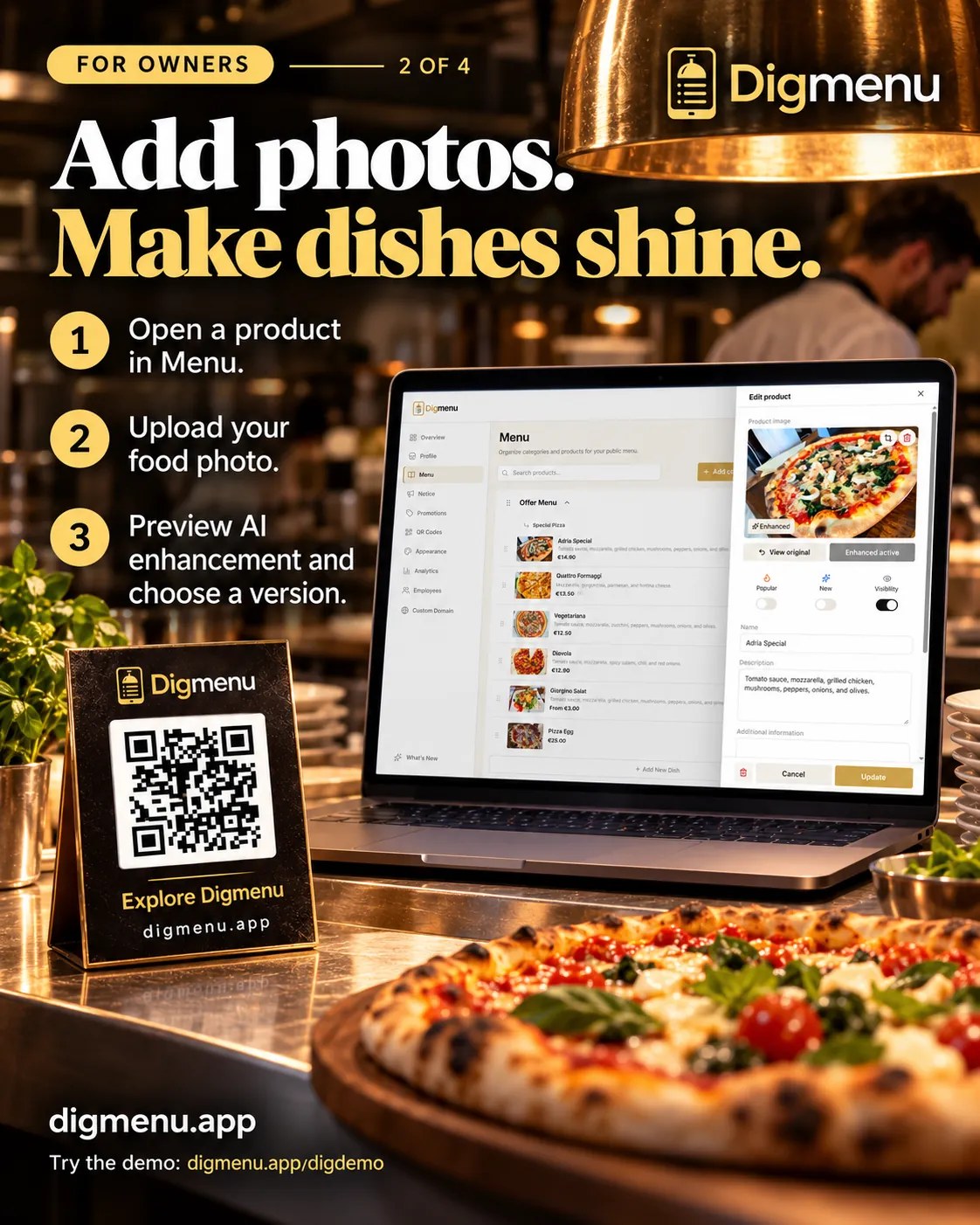
PDFs can mirror your print brand exactly. Digital menus use consistent typography on every phone and can include a photo for each dish. Sharp photos, clear allergen notes and links to reservations or social profiles keep the page current. You do not need a custom app; a branded web menu is enough for most dining rooms.
Operations and staff workflow
Ask who will maintain the menu. If only a designer touches the PDF, every change tickets through them. If floor managers can toggle sold-out items, they can update the menu from the dashboard. Digmenu roles let owners, managers and editors share access without sharing passwords.
When a PDF still makes sense
PDFs remain useful for downloadable wine lists, banquet packages or press kits. They are less ideal as the primary table experience when you change items weekly. Many teams keep PDFs for back-of-house reference and publish a QR menu for guests.
Cost and ownership
Hosting a PDF is cheap. Redesign cycles, misprinted codes and emailing new files still take staff time. Subscription menu platforms bundle hosting, QR tools, translations and analytics. Weigh that work against the monthly fee. Menu translations and editing are included on active Digmenu plans; see pricing when you compare options.
Making the switch without chaos
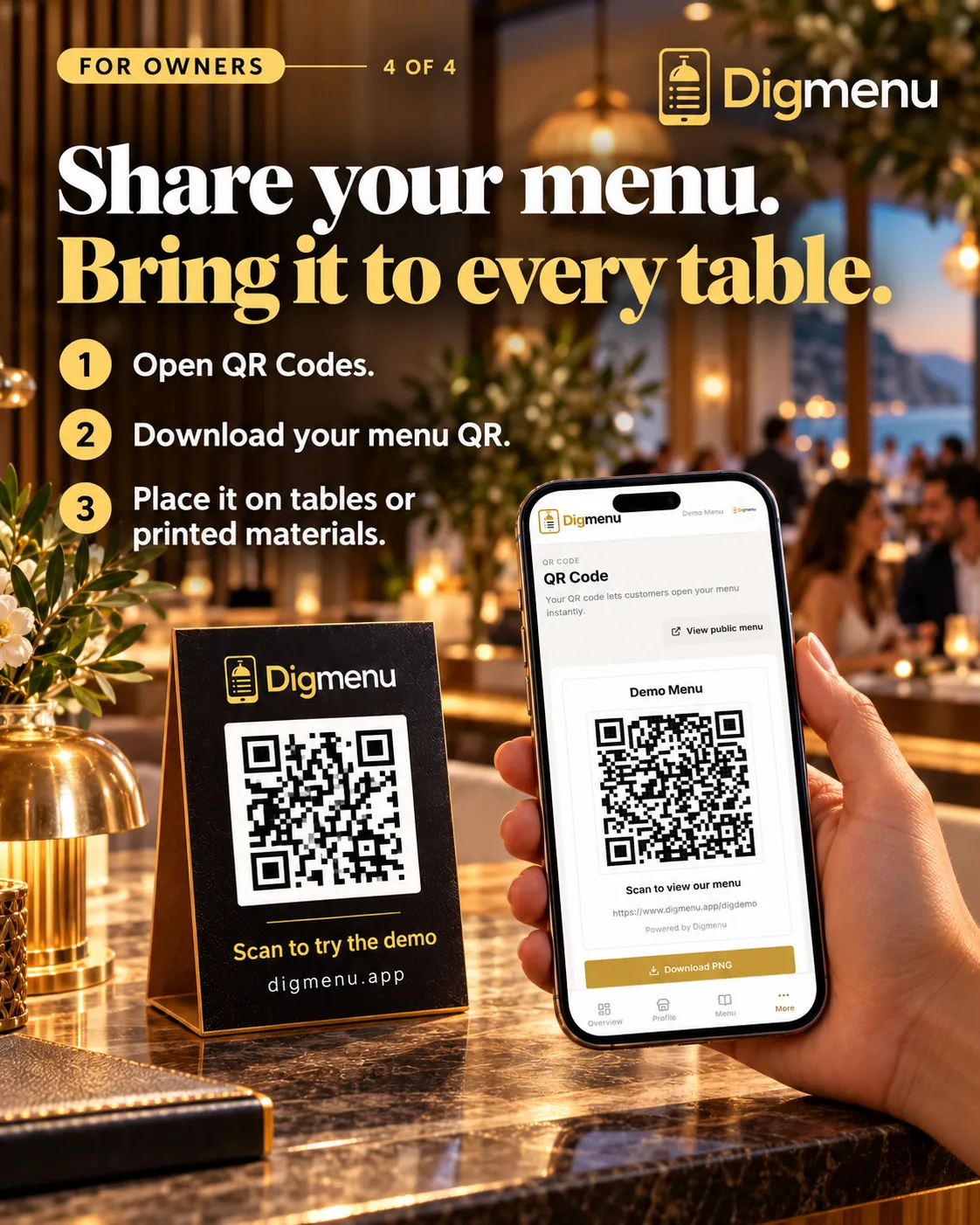
- Inventory your current PDF sections and mark what is still accurate.
- Import or recreate categories in a digital menu tool.
- Add photos and allergen tags while content is fresh in your mind.
- Point existing QR codes to the new menu URL (same sticker, new destination).
- Train staff to mention language switch and Wi-Fi details if you show them.
Guests do not care whether the menu is a PDF or a web page. They care that it is accurate and easy to read at the table.
If you are ready to try a structured QR menu, publish your first categories in an afternoon. Our digital menu setup guide walks through categories, photos and QR codes step by step.