Multilingual Digital Menus: Why Guests Love Their Own Language
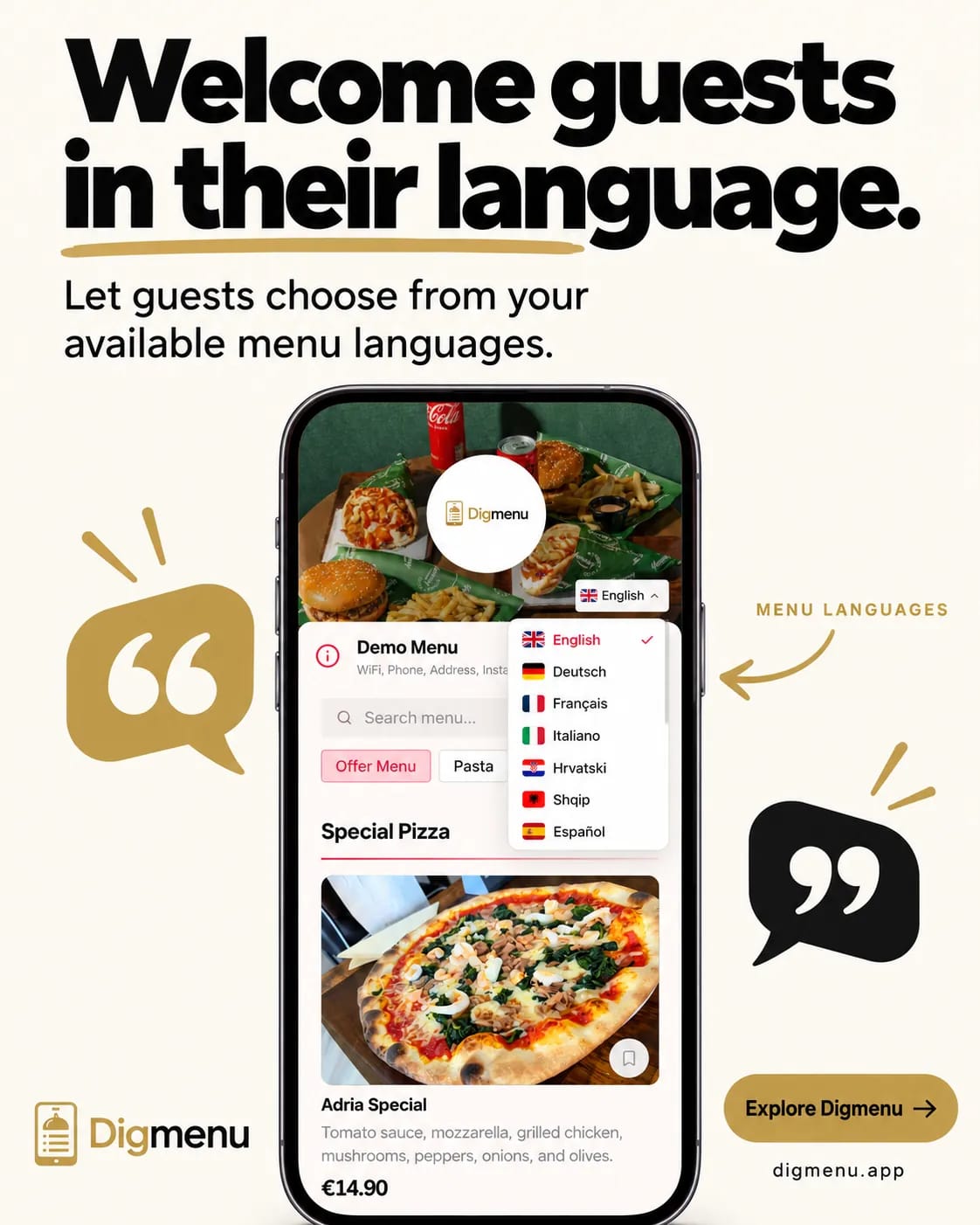
Dish names and descriptions can appear in the guest's language. Here is how that switch works on a digital menu.
A phone menu is often the first thing a guest reads after they sit down. A language switch in one tap keeps the same dishes, photos and prices, with names and descriptions in the language the guest chooses.
What guests see in their own language
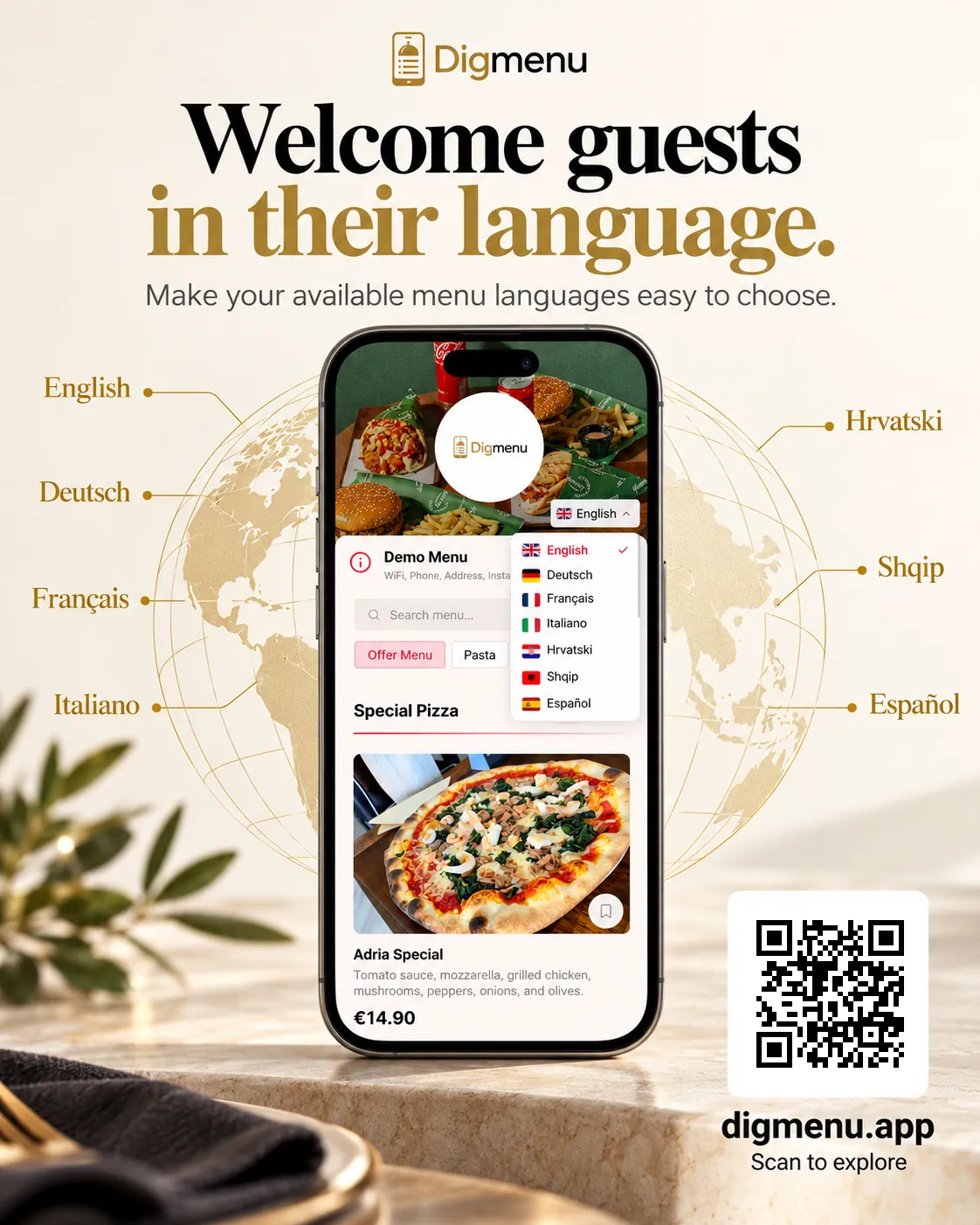
Titles, descriptions, allergen notes and diet labels can appear in the selected language. You still edit the master menu in your kitchen language. Translations sit on the same item, so prices and sold-out states stay aligned in every locale you turn on.
- Labels: names and descriptions follow the language the guest picks.
- One record: a price or sold-out change applies in every locale you enable.
- Guest control: the language switch is on the public menu.
How Digmenu handles translations
Digmenu stores each product and category once. You edit names and descriptions in your primary language, then add guest-facing locales from the menu translation tools in the dashboard. The public menu supports 20 guest languages; enable the ones your guests need. AI fill can draft missing fields so you review and publish rather than typing every line from scratch.
Guest language switching on the QR menu
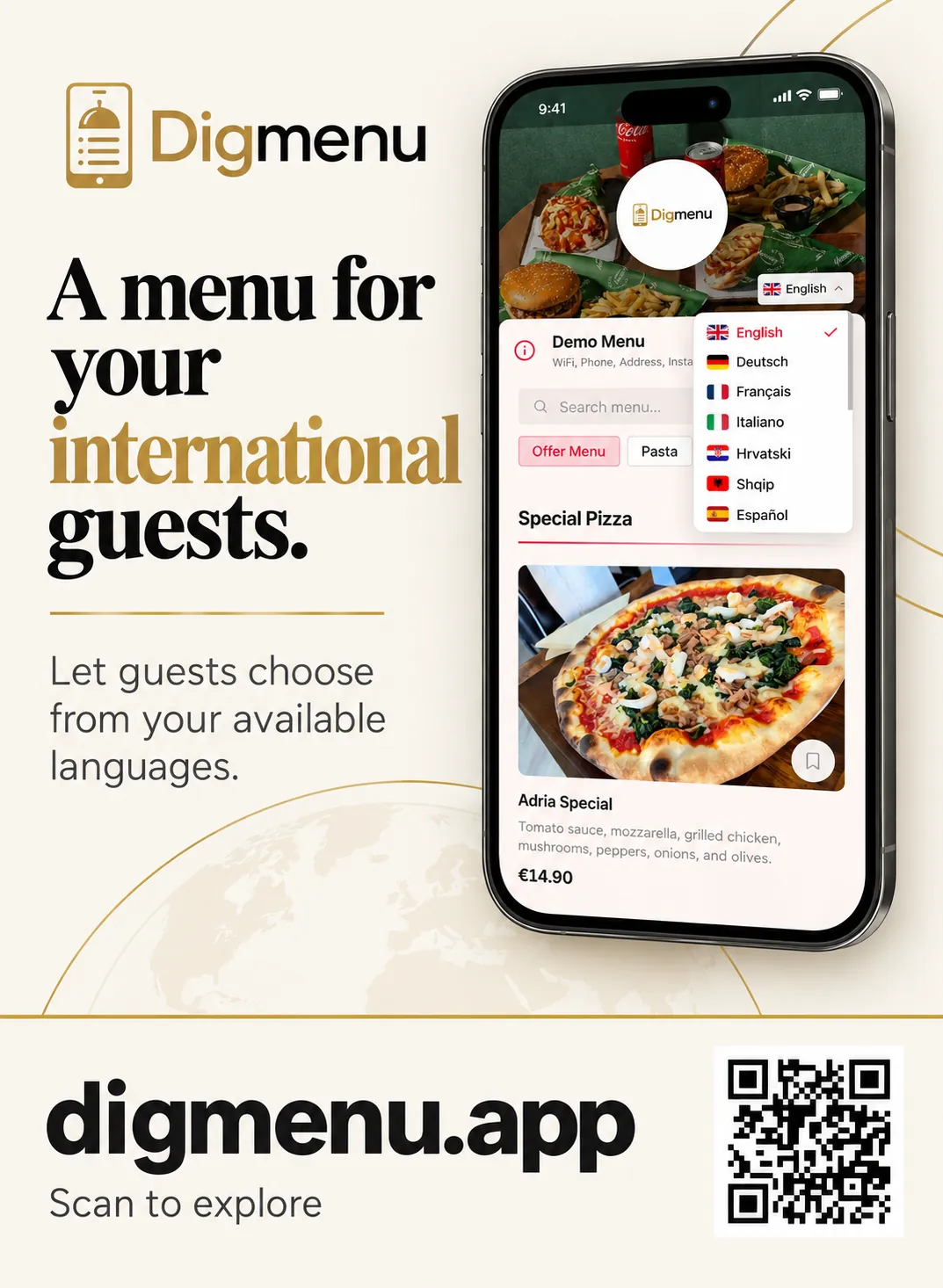
The public menu exposes a language control guests can use without staff help. Switching reloads labels and descriptions while keeping your layout, photos and price options intact. Open the demo menu on your phone, change language and notice how categories stay in the same order.
Quality checks before you go live
Machine-assisted text still needs a human pass. Ask a team member who reads the target language to order a full meal from the preview link. Fix awkward dish names, clarify portion sizes and verify allergen wording. Keep house terms in a short glossary so every locale uses the same words for shared plates and signature sauces.
Start with two or three locales
Use reservation notes, review language and payment receipts to see which locales matter most this season. Launch those first. If analytics include language, use that as another signal, then expand. A tight set of accurate translations beats a long list of stale pages.
Pair translations with clear table signage
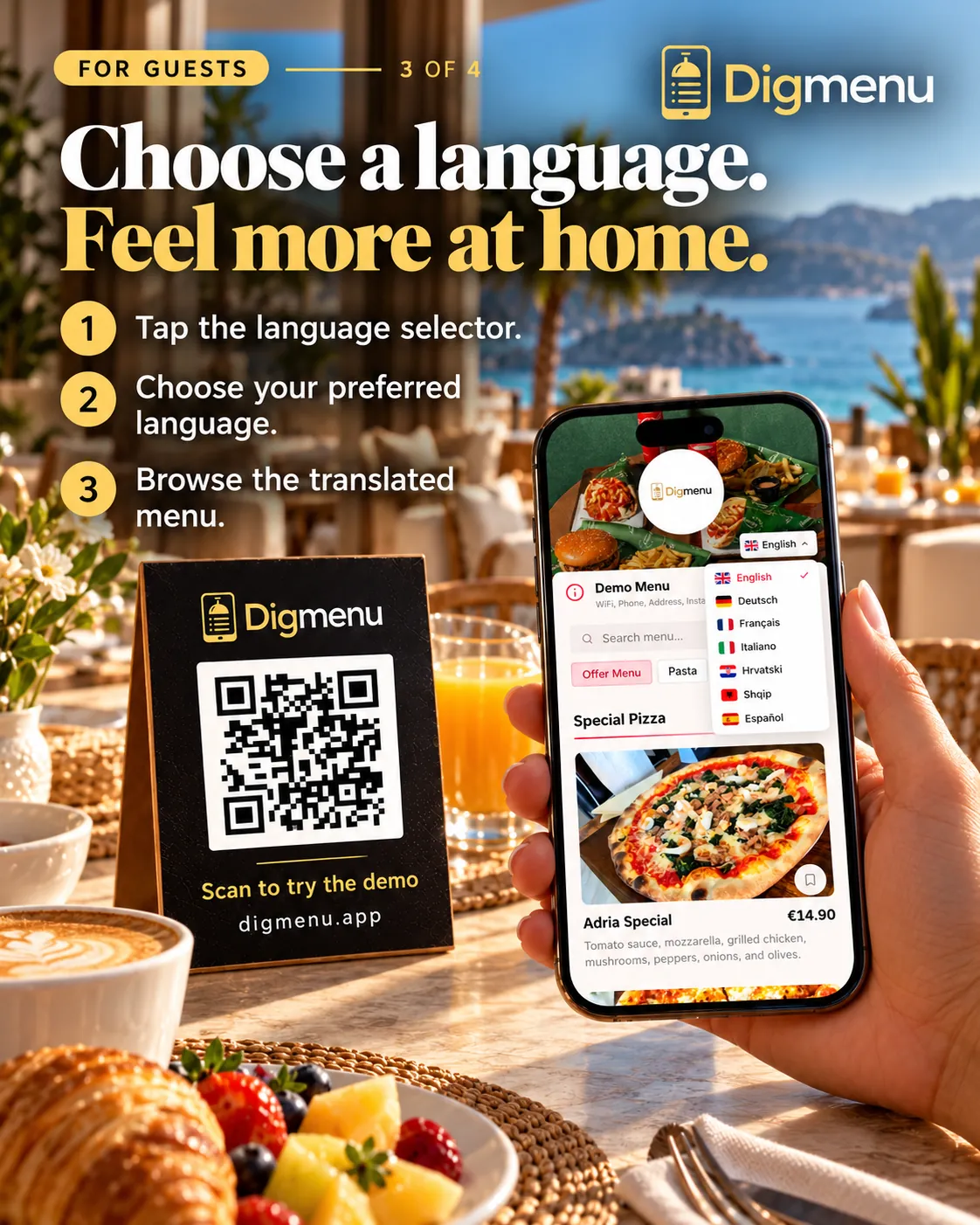
A short line on the QR tent or host stand tells guests they can switch language on the menu. Mention Wi-Fi in the same place if loading is slow in your dining room. Consistent cues matter more than clever copy.
Beyond PDFs and photo menus
PDFs and static images force you to rebuild every language as a separate file. A structured digital menu keeps photos, price options and allergens tied to one item while locales share the same card layout. That is the practical reason venues move from file downloads to a live QR menu. Compare QR menu vs PDF and plan structure with our setup guide.
When you are ready to add locales, enable a second language in the dashboard and scan your own QR at a table. Compare pricing if you want a full plan breakdown.
When guests can read the menu comfortably, they can browse it the way you laid it out.