
Why Digital Menus Are Good for Guests and Restaurants
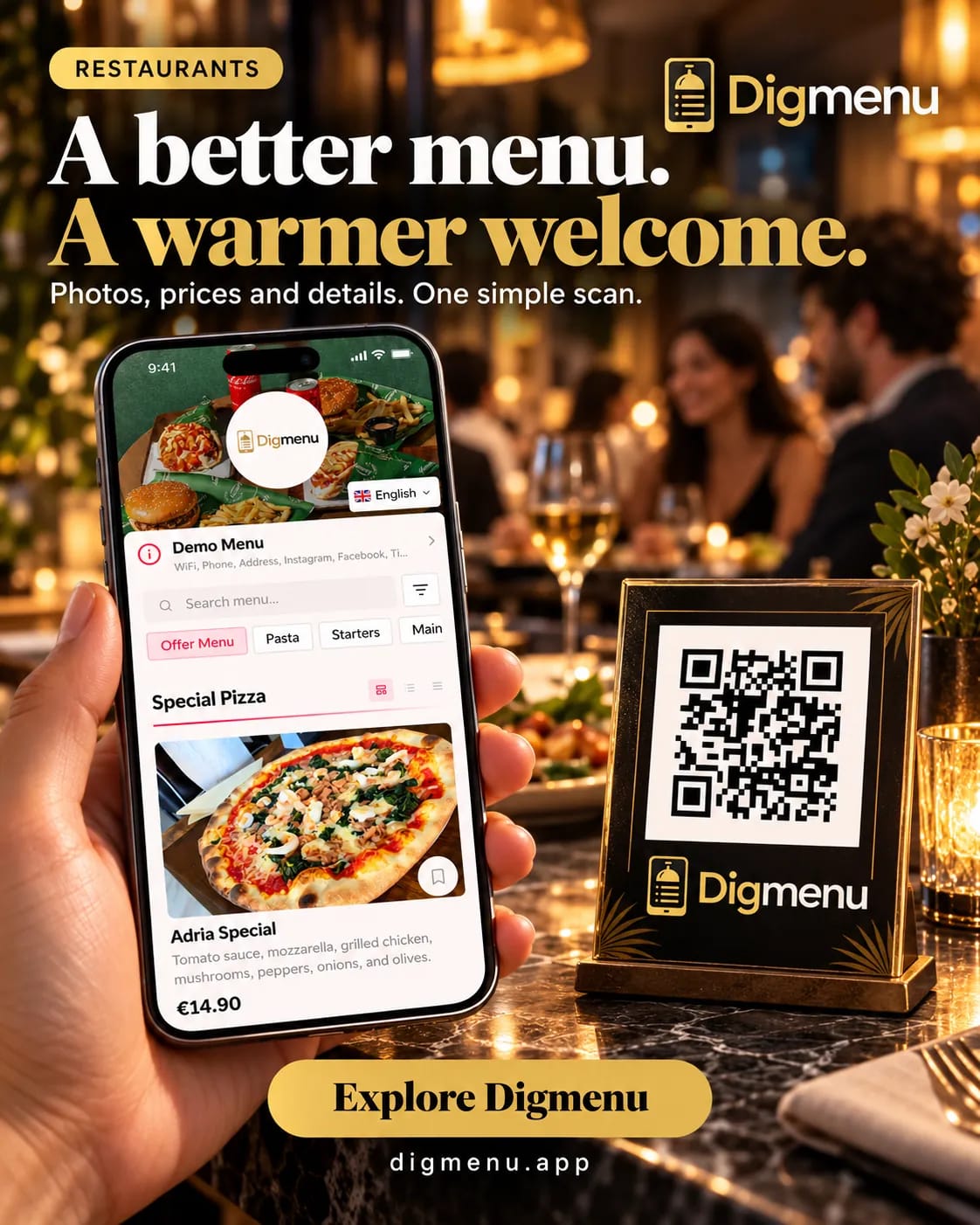
Digital menus fit the phone in a guest's hand, stay aligned with the kitchen, and are easier for staff to update than paper or PDF alone.
A digital menu is a web page built for small screens. Guests open it from a QR code or link at the table. They scroll categories, tap for detail, and read in a size that fits the device. For the venue, the same page can carry tonight's prices, sold-out flags, and photos without a full print run. Open the demo menu on your phone and notice how layout, type, and spacing differ from a PDF pinch-zoom. When you want a structured menu you control, Digmenu is one option; this article stays on the general benefits, not a feature checklist.
Easy to read at the table
Paper menus under dim light are hard to scan. PDFs on a phone often arrive as a download with tiny type and awkward page breaks. A menu page designed for the browser uses one column, larger touch targets, and headings that match how guests browse: starters, mains, drinks, desserts. Semantic structure also helps assistive tech read dish names and notes in order, which plain PDF exports often handle poorly.
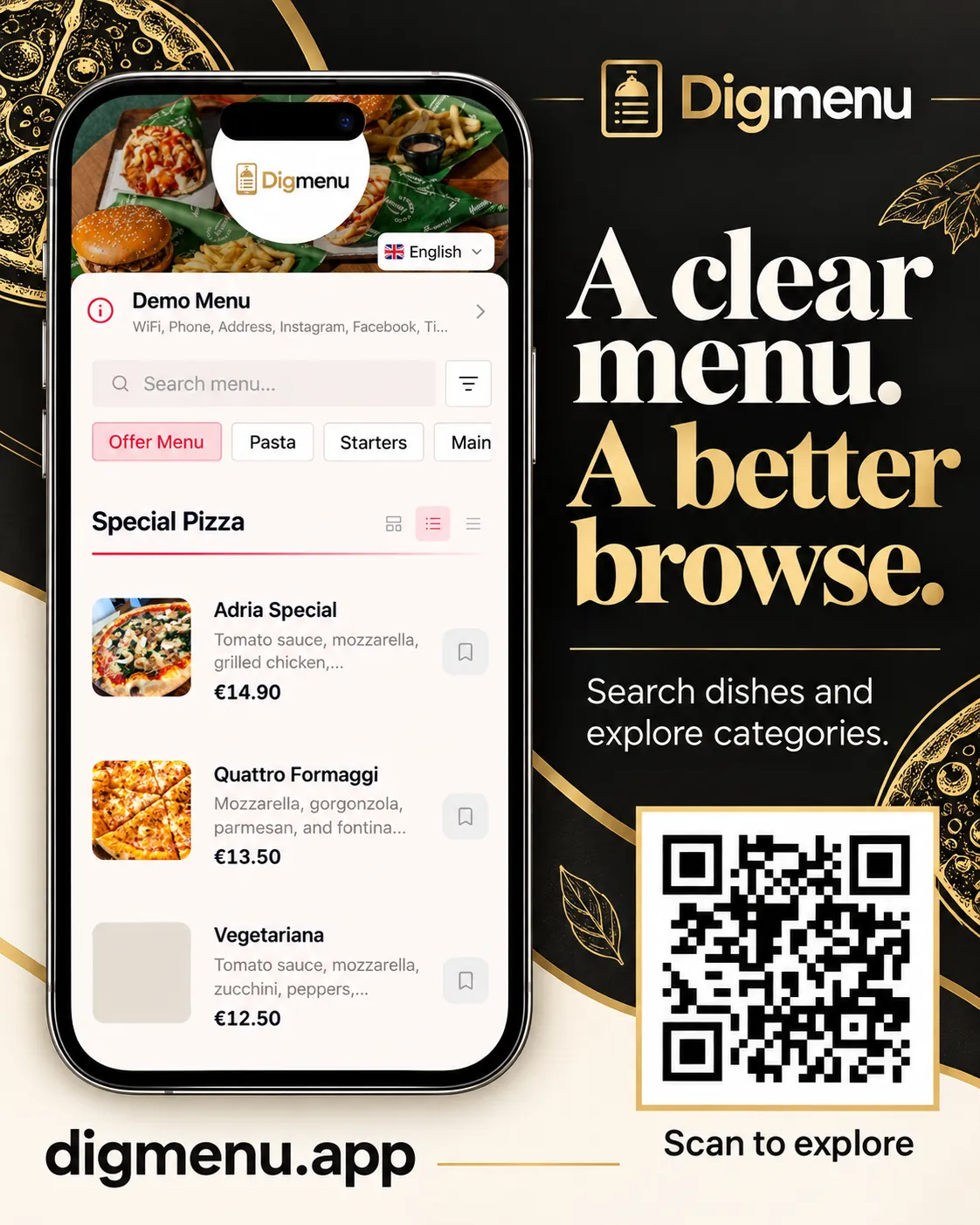
- Viewport fit: text reflows instead of forcing pinch and zoom.
- Consistent navigation: the same tabs or anchors on every visit.
- Readable contrast: you set type and background for the guest view, not the print shop.
Prices and dishes that match the kitchen
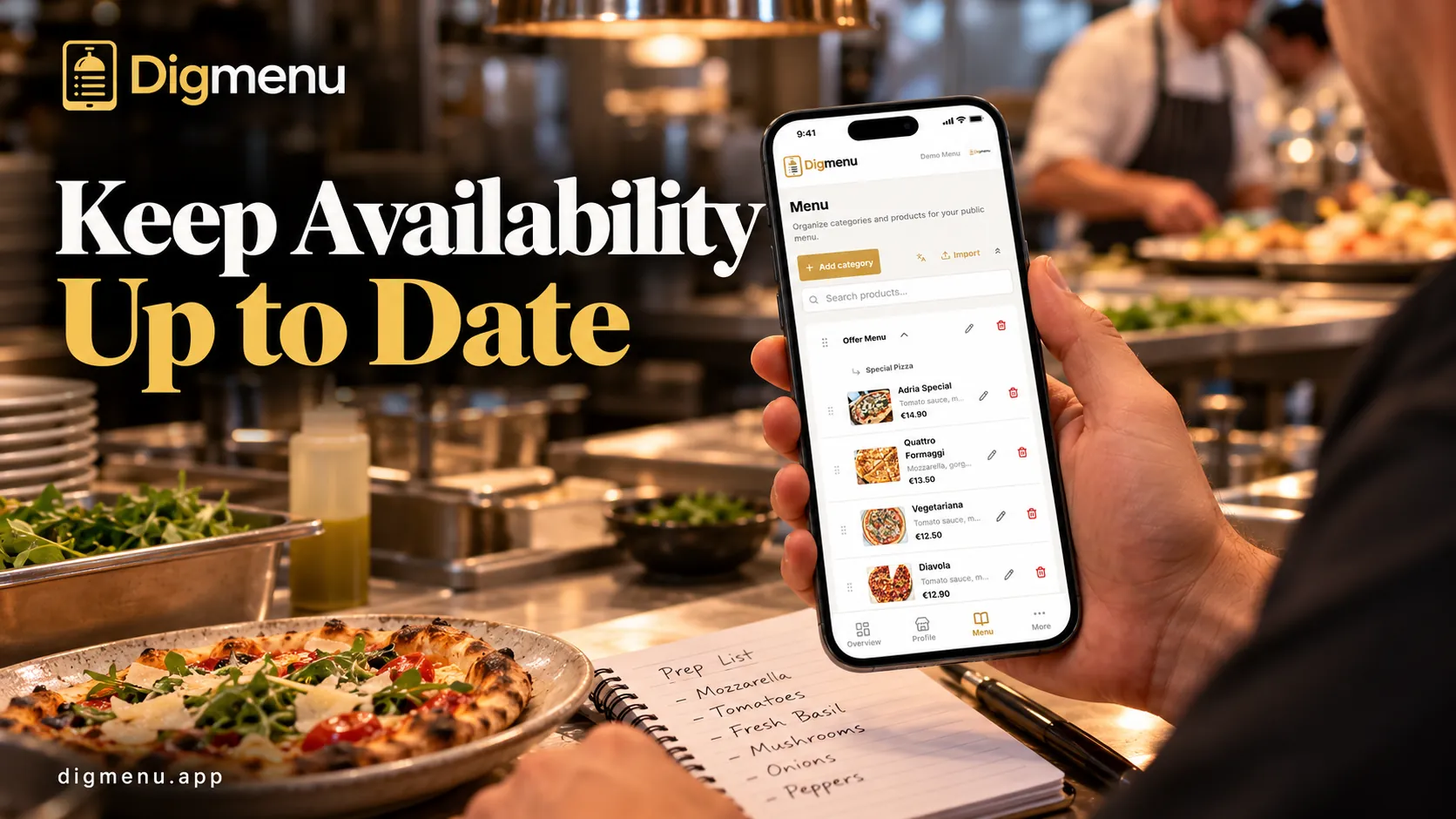
When the board changes a special or runs out of a fish, the table menu should say so before the guest orders. Paper and static files go stale the moment someone edits a copy in the back office. A live digital menu lets staff publish one change and every QR scan sees it on the next load. That reduces awkward corrections at the table and keeps lunch and dinner aligned with what cooks are actually plating.
Photos, allergens and dietary notes
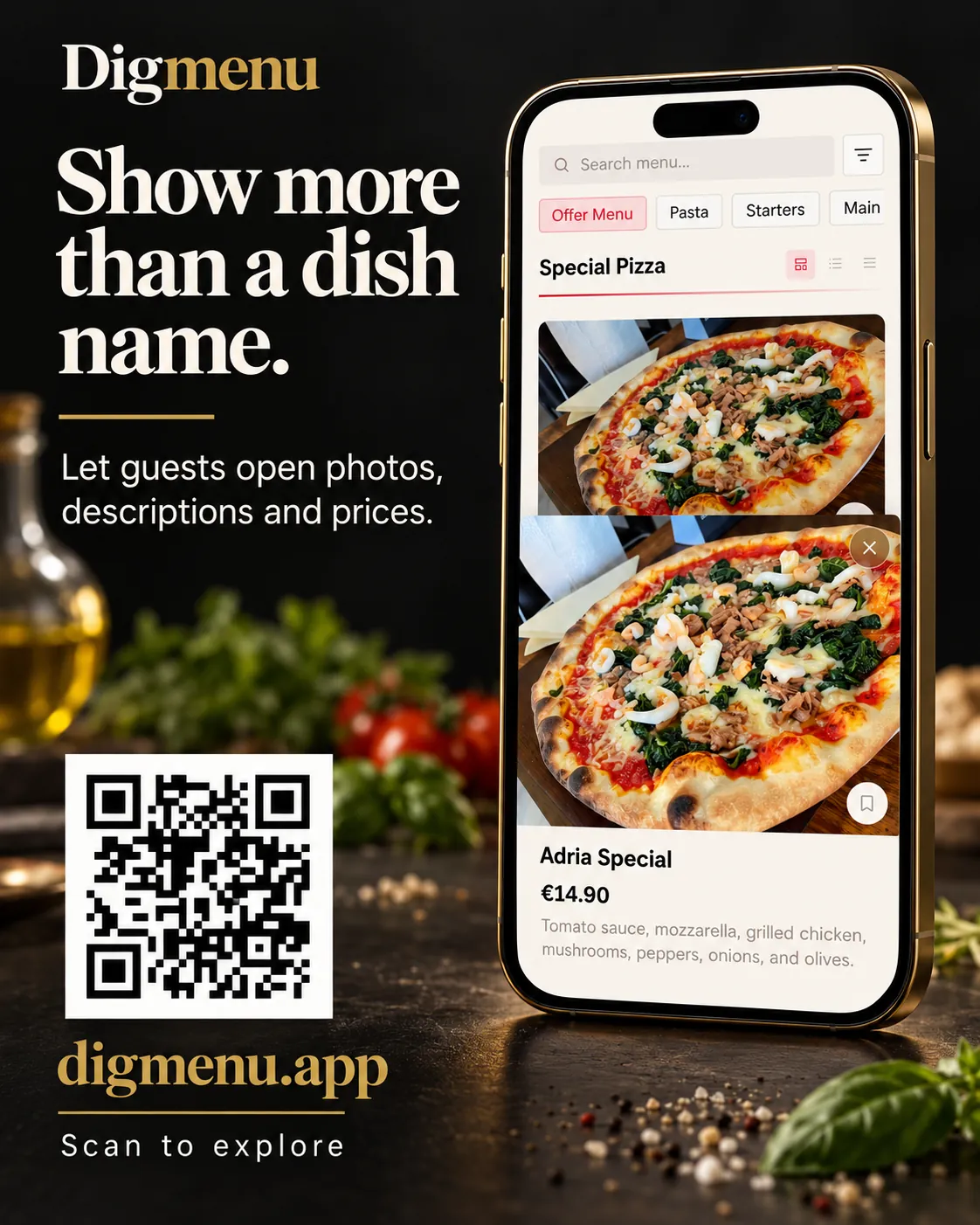
Guests decide faster when they can see the dish, not only a name. Digital menus attach a photo per item without cramming a print layout. Allergen and dietary labels sit next to the description so they are visible while browsing, not buried in a footnote on page four. You still need accurate kitchen data; the format just makes that data easier to find. Our setup guide walks through fields for titles, descriptions, and tags when you build from scratch.
Languages on one menu
Many dining rooms welcome guests who prefer another language. Separate PDFs per locale multiply design work and hosting clutter. A structured menu can keep one item record and show translated names where you enable them, with prices and sold-out state shared across locales. Guests switch language in the UI instead of hunting for another file. Read how that switch works in our multilingual menu guide and compare formats in QR menu vs PDF.
Less reprinting, lighter updates for staff
Print runs and laminate replacements add cost every time wine prices move or a seasonal dish rotates. Digital menus shift effort from the printer to a short edit in the dashboard or admin tool you already use. Floor managers can mark sold-out items during service if your workflow allows it. Designers are freed from re-exporting PDFs for small typo fixes. The win is operational: fewer emergency reprints and one clear source of truth for what guests should pay.
Paper still has a place
Some guests prefer a physical card. Many venues keep a small paper backup while the QR menu stays authoritative for prices and allergens. The goal is not to eliminate paper overnight but to stop treating a frozen file as the only menu the guest sees.
Where to start
List what guests ask about most: allergens, language, daily specials, and photos for bestsellers. Mirror that in categories on a phone-first page, test the URL on a few devices, then point table QR codes at that URL. You can browse the live demo menu first, then create your digital menu.
A menu guests can read comfortably on their phone is a menu they can use while your team stays focused on hospitality.